



Overview
What is RPC Logging?
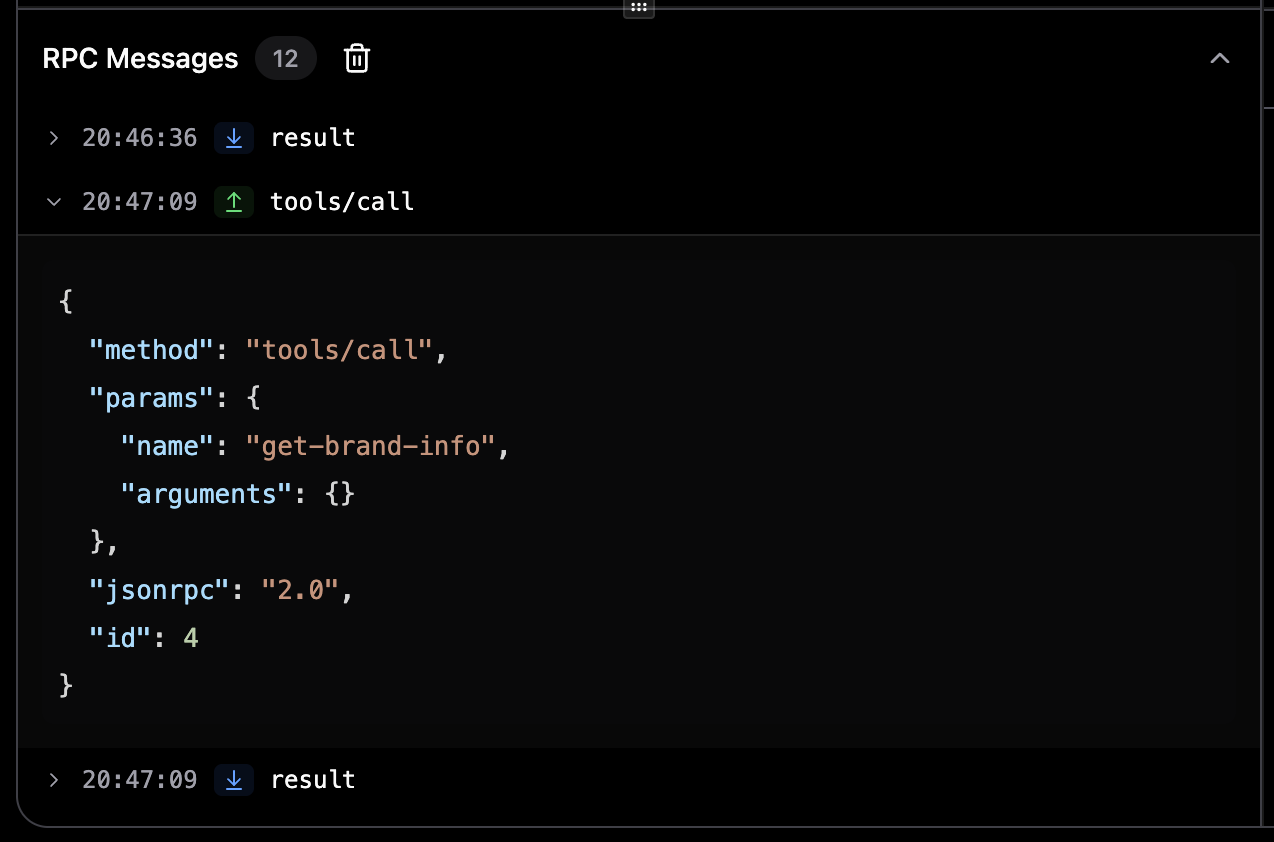
RPC (Remote Procedure Call) logging captures every JSON-RPC message sent to and received from MCP servers. This includes:- Tool calls: Requests to execute tools and their responses
- Resource requests: Queries for resources and their results
- Prompt requests: Prompt execution requests and responses
- Notifications: Server-initiated notifications
- Errors: Error responses and connection issues
Opening the RPC Panel
Locate RPC Panel
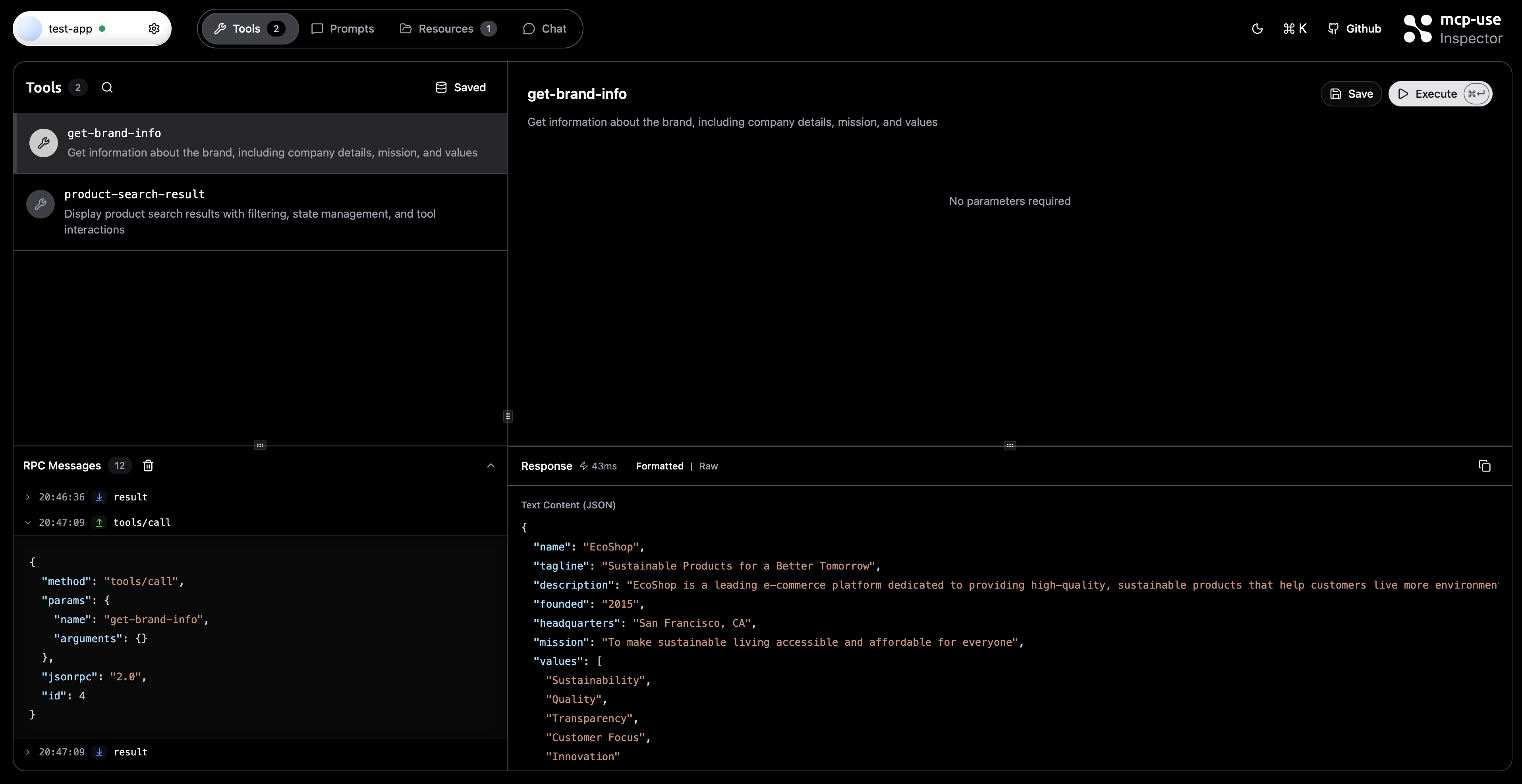
The RPC Messages panel appears at the bottom of the left sidebar. It starts collapsed by default.
Understanding the Interface
Message List
Each RPC message is displayed as a row with:- Timestamp: Local time when the message was received
- Direction Badge:
- ↑ SEND - Outgoing messages from inspector to server
- ↓ RECEIVE - Incoming messages from server to inspector
- Method Name: The JSON-RPC method being called (e.g.,
tools/call,resources/read) - Expandable Content: Click to view the full JSON payload
Technical Details
Message Format
Each logged message contains:Related Documentation
- Tools Tab - Testing and executing tools
- Resources Tab - Browsing server resources
- Prompts Tab - Managing prompts
- Connection Settings - Server configuration
- Development - Inspector development guide